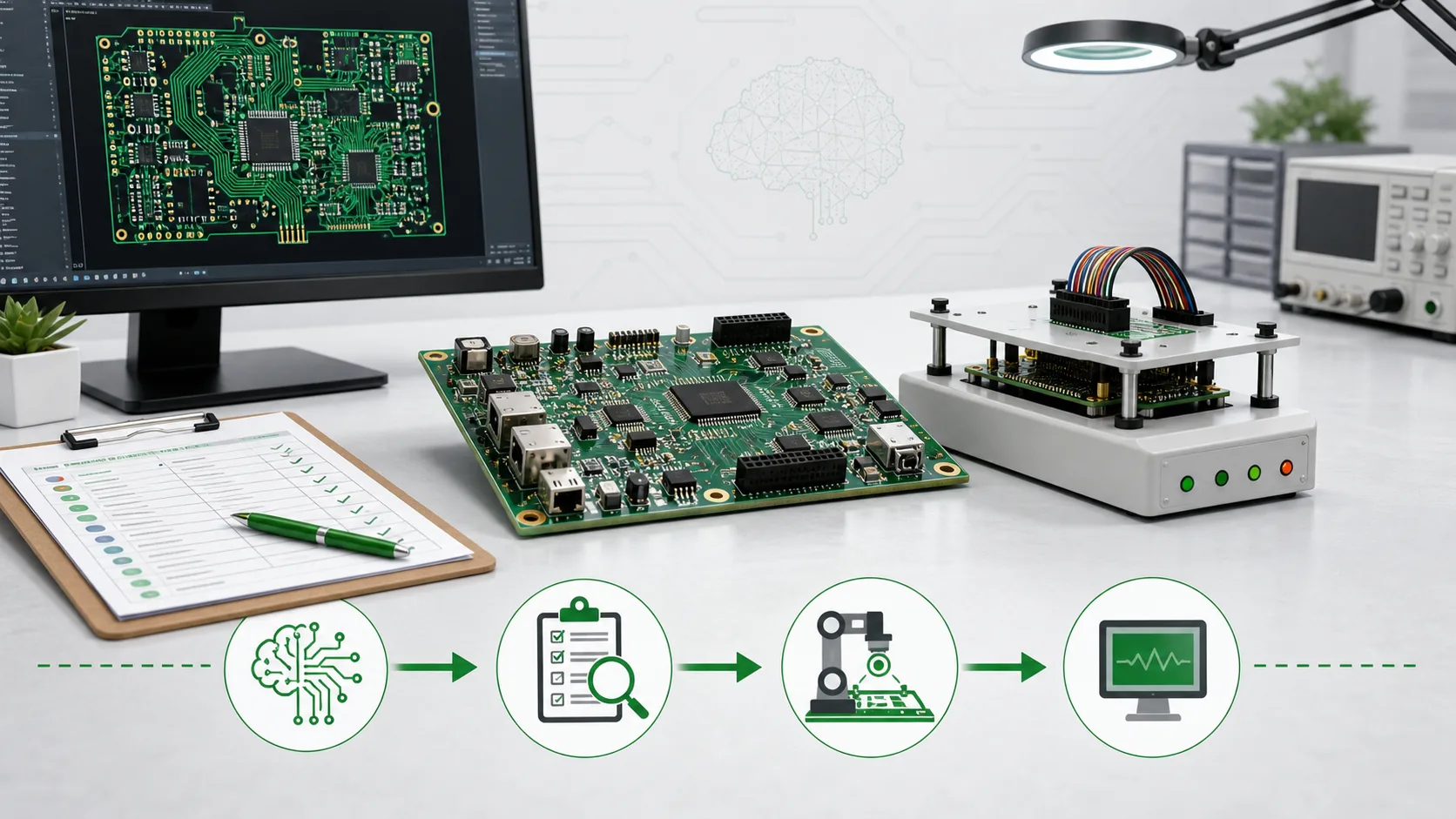
AI-assisted PCB tools can help a team move faster, but speed is not the same as manufacturing readiness. Before an AI-generated or AI-assisted board moves into quotation and assembly, the project still needs DFM review, BOM and CPL validation, footprint and polarity checks, inspection planning, and functional test requirements. The safest workflow is to treat AI output as a draft package that must be reviewed against real fabrication, SMT, sourcing, and test constraints.
Why this matters now
AI is becoming part of the PCB design conversation because it can help engineers explore layouts, apply rules, and reduce repetitive design work.
That is useful. It can also create a false sense of readiness.
A PCB file can look complete on screen while still creating manufacturing questions that slow down the quote, increase assembly risk, or force a redesign after the BOM is already being sourced. For PCBA projects, the important question is not only whether the layout passes a software check. The question is whether the whole build package is ready for fabrication, assembly, inspection, and functional testing.
What AI can speed up
AI-assisted design can be helpful when the project needs faster iteration. It may support:
- early placement exploration
- routing suggestions for repetitive nets
- rule-checking assistance
- documentation cleanup
- faster comparison of layout options
Those are real workflow gains. But they are mostly design-side gains. They do not automatically prove that the board is easy to fabricate, easy to assemble, easy to source, or easy to test.
What DFM still catches
DFM review focuses on the gap between a valid design file and a buildable board. That gap matters because the factory sees constraints that the design tool may not understand completely.
A PCBA-ready DFM review should check:
- trace, spacing, via, drill, annular ring, and solder mask clearance against the intended fabrication capability
- board thickness, copper weight, finish, stackup, panelization, and impedance notes
- component footprint match, pad geometry, courtyard clearance, and mechanical interference
- fine-pitch packages, thermal pads, BGAs, QFNs, connectors, and edge-clearance risks
- SMT and DIP sequence issues that affect assembly cost or yield
The goal is not to criticize the AI tool. The goal is to prevent a small file issue from becoming a manufacturing delay.
BOM and CPL review cannot be skipped
AI output may describe what should be placed on the board, but sourcing and assembly need a more specific answer: can these exact parts be bought, placed, inspected, and replaced if needed?
Before release, the BOM and CPL should answer:
- Are manufacturer part numbers complete and unambiguous?
- Are package codes consistent with the PCB footprints?
- Are approved alternates defined before sourcing starts?
- Are polarized parts, LEDs, diodes, connectors, and IC orientation clear?
- Are no-fit, do-not-populate, and customer-supplied parts marked clearly?
- Are placement coordinates and rotation conventions checked against assembly expectations?
This is where many "looks finished" designs become quote problems. A supplier can quote more accurately when the BOM, CPL, and assembly notes remove guesswork.
Functional test review changes the design package
Functional testing is easier to plan before the board is built. If test access is discussed too late, the team may discover that the product needs a fixture but does not expose the right signals.
For small-batch builds, the test review should confirm:
- which power rails must be measured
- which communication ports must be exercised
- whether firmware flashing is required before test
- which connectors, pogo points, LEDs, buttons, or debug headers are available
- what the pass/fail limits should be
- what evidence the buyer needs after testing
If the board needs functional testing, the design package should include test notes before production starts. Otherwise the factory may be able to assemble the board but not verify it in the way the product actually needs.
Decision framework
Use this simple framework before sending an AI-assisted PCB for quotation.
Low-risk draft
The design uses common packages, common stackup, wide routing rules, simple assembly, available parts, and no functional test fixture. A standard DFM and BOM review may be enough before prototype assembly.
Medium-risk build
The board includes fine-pitch ICs, connectors with orientation risk, tight mechanical limits, mixed SMT/DIP assembly, or uncertain alternates. Ask for DFM, BOM/CPL, and assembly review before approving the quote.
High-risk production candidate
The design includes BGA or QFN packages, impedance control, high-current paths, constrained stackup, firmware flashing, customer-supplied parts, or required functional testing. Review DFM, sourcing, inspection, and test requirements as one package.
Quote and DFM checklist
For a clean PCBA quote, prepare these items before uploading the job:
- Gerber and drill files
- BOM with manufacturer part numbers and approved alternates
- CPL or pick-and-place file
- assembly drawing or polarity notes
- stackup, impedance, copper, finish, and panelization requirements
- firmware flashing instructions if needed
- functional test specification or expected pass/fail limits
- target quantity, delivery expectation, and shipping destination
If any of these items are missing, the quote may still be possible, but the risk of assumptions rises.
Common mistakes
The most common mistake is treating a clean screen preview as a clean manufacturing package.
Other avoidable mistakes include:
- assuming the design tool's DRC covers the factory's exact process limits
- sending a BOM without alternates when parts are already supply-sensitive
- forgetting polarity notes for LEDs, diodes, connectors, or electrolytic capacitors
- delaying fixture and functional test planning until after assembly
- asking for a fast quote while leaving stackup, finish, or assembly options unclear
These problems are not dramatic, but they are expensive because they appear after the team thinks the design is ready.
How PCBAForge fits this workflow
PCBAForge is most useful when the review happens before the build becomes fragile. A complete package lets the team review DFM, source components, clarify assembly details, and plan functional testing with fewer late changes.
For AI-assisted designs, that review step is even more important. It gives the project a practical manufacturing gate between "the design file exists" and "the board is ready to build."
Bottom line
AI can help generate or improve a PCB layout, but it does not remove the manufacturing review. The safest next step is to treat the AI-assisted design as a draft, then verify it with DFM, BOM/CPL review, assembly planning, and functional test requirements before requesting production.
FAQ
Can an AI-generated PCB go directly to assembly?
It can be submitted for review, but it should not be treated as production-ready until Gerber, BOM, CPL, stackup, polarity, sourcing, and test requirements are checked.
Does passing a design rule check mean the PCB is ready for PCBA?
No. A design rule check is useful, but PCBA readiness also depends on fabrication capability, assembly process, sourcing availability, inspection method, and test access.
What files should I send for a PCBA quote?
Send Gerber and drill files, BOM, CPL, assembly notes, stackup requirements, approved alternates, quantity, shipping destination, and any functional test requirements.
When should functional testing be discussed?
Before production. Test access, fixture needs, firmware flashing, and pass/fail limits can affect both design review and assembly planning.
Is AI useful for PCB design if DFM is still required?
Yes. AI can reduce design workload and speed iteration. DFM review is still needed because manufacturing readiness depends on factory process, sourcing, assembly, and test constraints.
How PCBAForge Can Help
Before you build an AI-assisted PCB, upload the Gerber, BOM, CPL, stackup notes, and test requirements to PCBAForge. The team can review manufacturability, sourcing risk, assembly details, and functional testing needs before the quote turns into production risk.
Related Links
- Link to PCBAForge quote upload for Gerber, BOM, and CPL upload.
- Link to BOM and RFQ planning content as related reading.
- Link to PCBAForge blog for additional manufacturing guides.
Sources
- https://docs.kicad.org/master/en/pcbnew/pcbnew.html
- https://pcbaforge.com/
- https://pcbaforge.com/blog/
Prepare the build before the quote becomes fragile
Upload Gerber, BOM, CPL, stackup notes, and test requirements so PCBAForge can review DFM, sourcing risk, assembly readiness, and functional testing before production.